Desktop app
Design it.
Ship it.
Design Lab generates interface designs on your own machine, then turns the one you keep into a layered document you can edit and export as code.

01How it works
Write a brief.
Get directions.
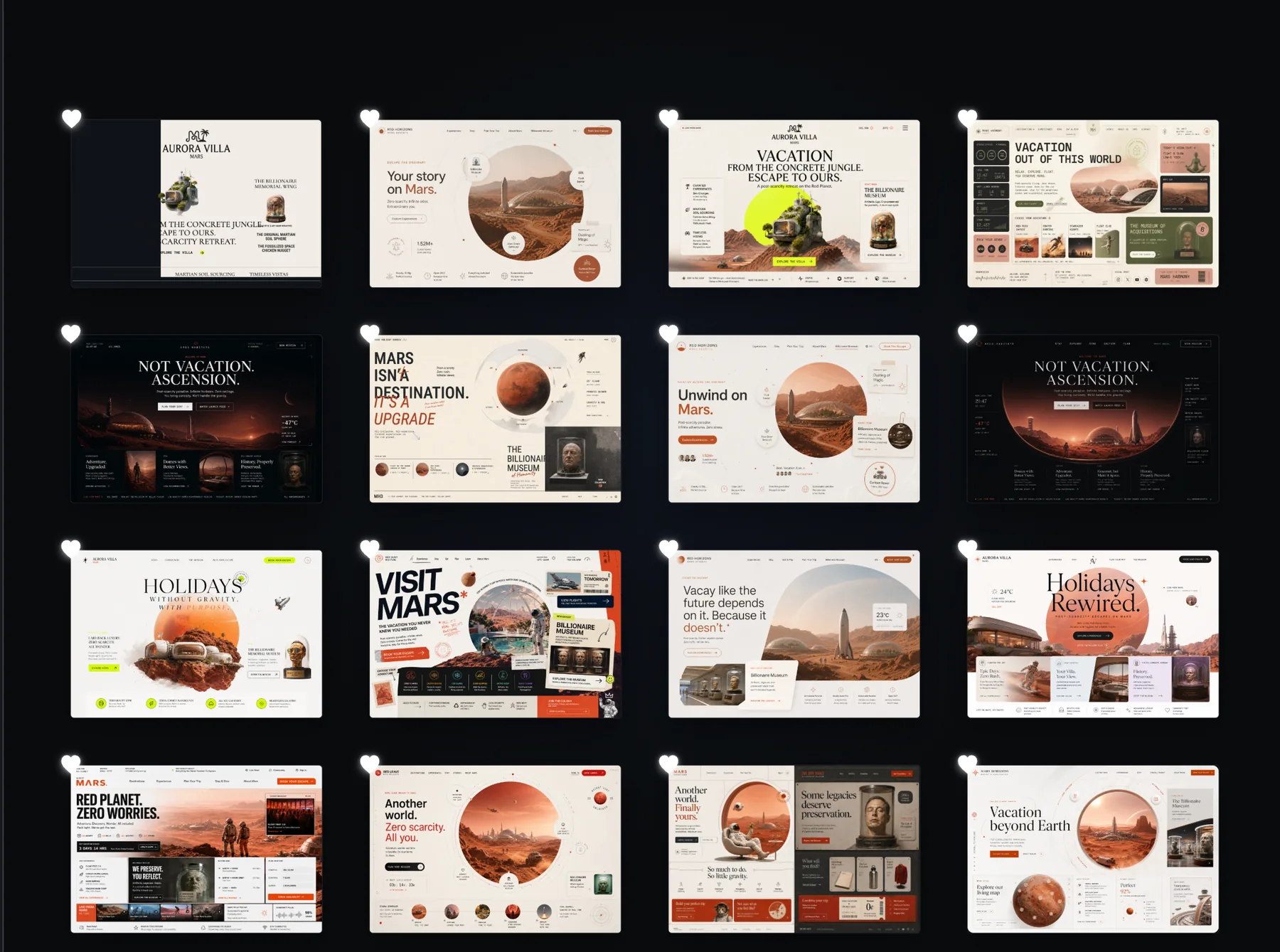
Describe the interface you want in a few sentences. Design Lab explores it from your own machine and keeps producing distinct directions, so you are always choosing between real alternatives rather than accepting one answer.
- A brief, not a specA few sentences about what the interface is for and which screens it needs.
- A session, not a single shotExploration keeps running while you react to what comes back - keep, discard, redirect.
- Your own connectionsBring an OpenAI, Gemini, or xAI key. Design Lab keeps it in your system’s encrypted store.
02Make it yours
Edit everything.
Right where you made it.
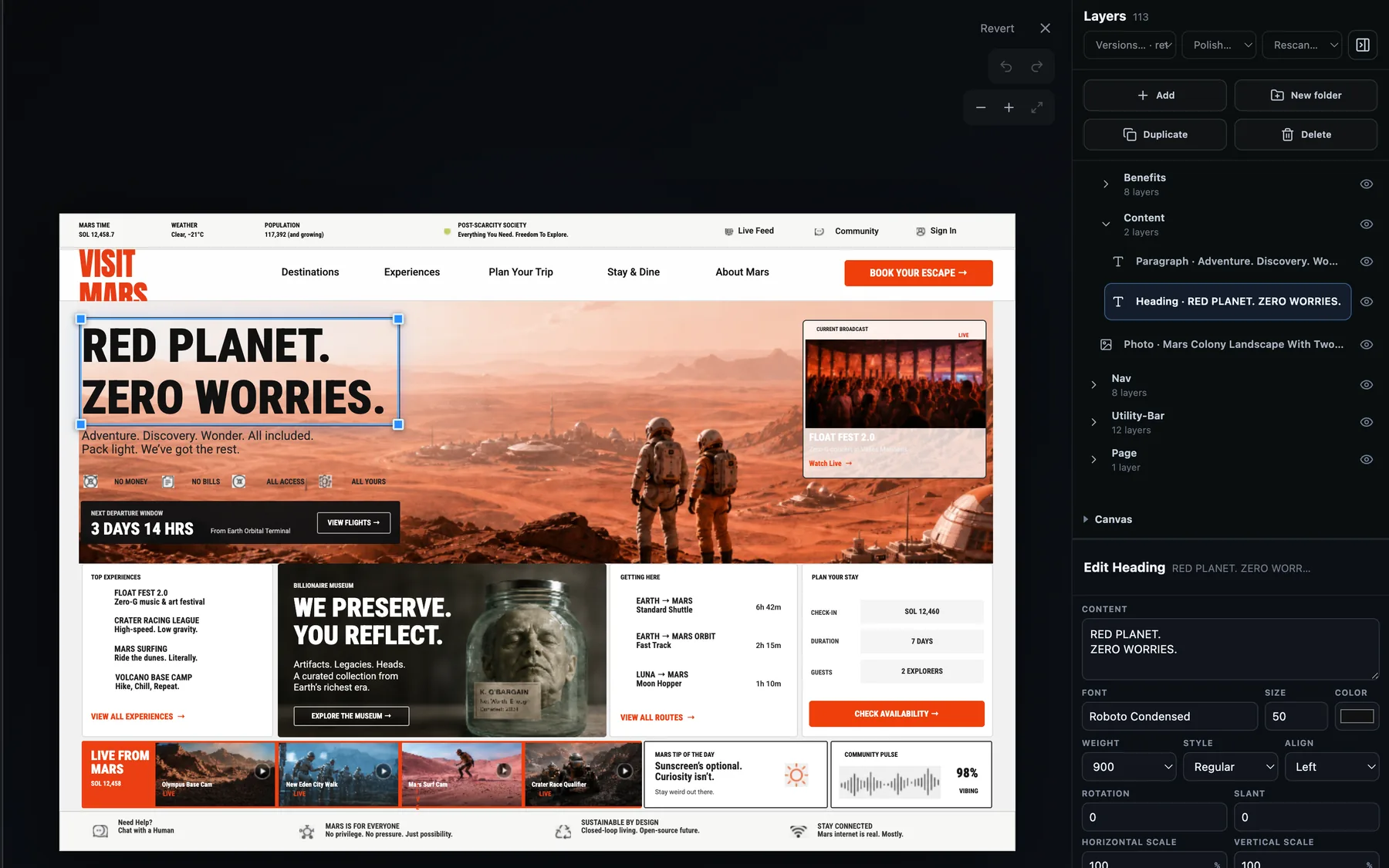
The direction you keep opens as a layered document. Every heading, photo, and component is addressable on its own, so changing one leaves the rest of the page exactly as it was.
- A real layer treeGroups, headings, paragraphs, photos, and icons - each with its own place in the stack.
- Type you can setFont, size, weight, colour, alignment, rotation, and scale on the layer you selected.
- Images you can replaceSwap a photo or an icon for your own without disturbing the layout around it.
- Or just say what to changeDescribe the edit in the bar under the canvas and the document is revised in place.
03Export
Clean code.
Ready to build.
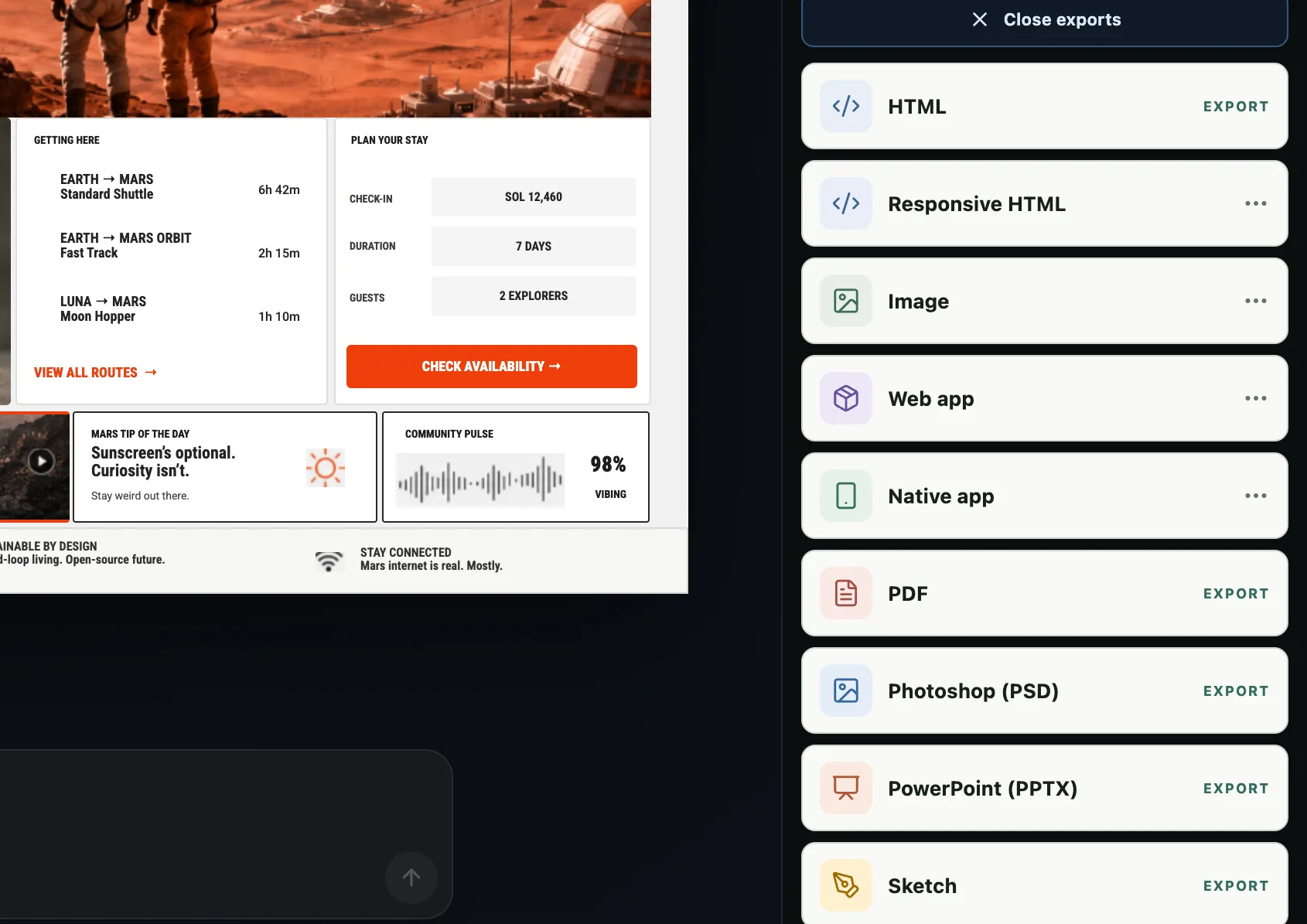
When the document is right, export it. Every format comes out of that same layered source, so the thing you hand over is the thing you designed.
- HTML, or responsive HTMLA fixed page that matches the design, or one that reflows across breakpoints.
- A web app projectReact, Next, Vue, Svelte, Astro, Angular, or Lit - Tailwind or plain CSS, TypeScript or JavaScript.
- A native app projectAn Expo project, from the same document you just edited.
- Design files and imagesPDF, Photoshop, Sketch, PowerPoint, and SVG, PNG, JPG, or WebP.